
Workstation Update and
Restart Process Enhancement

Executive Summary
To improve the user experience and ensure critical system
updates are completed successfully, an automated after-hours
restart process has been implemented for managed workstations.
hen a device receives an update that requires a restart, users
may restart their computer at a time that is convenient for them.
If the device has not been restarted, an automatic restart will occur
after business hours to complete the update process, provided
the device is powered on.
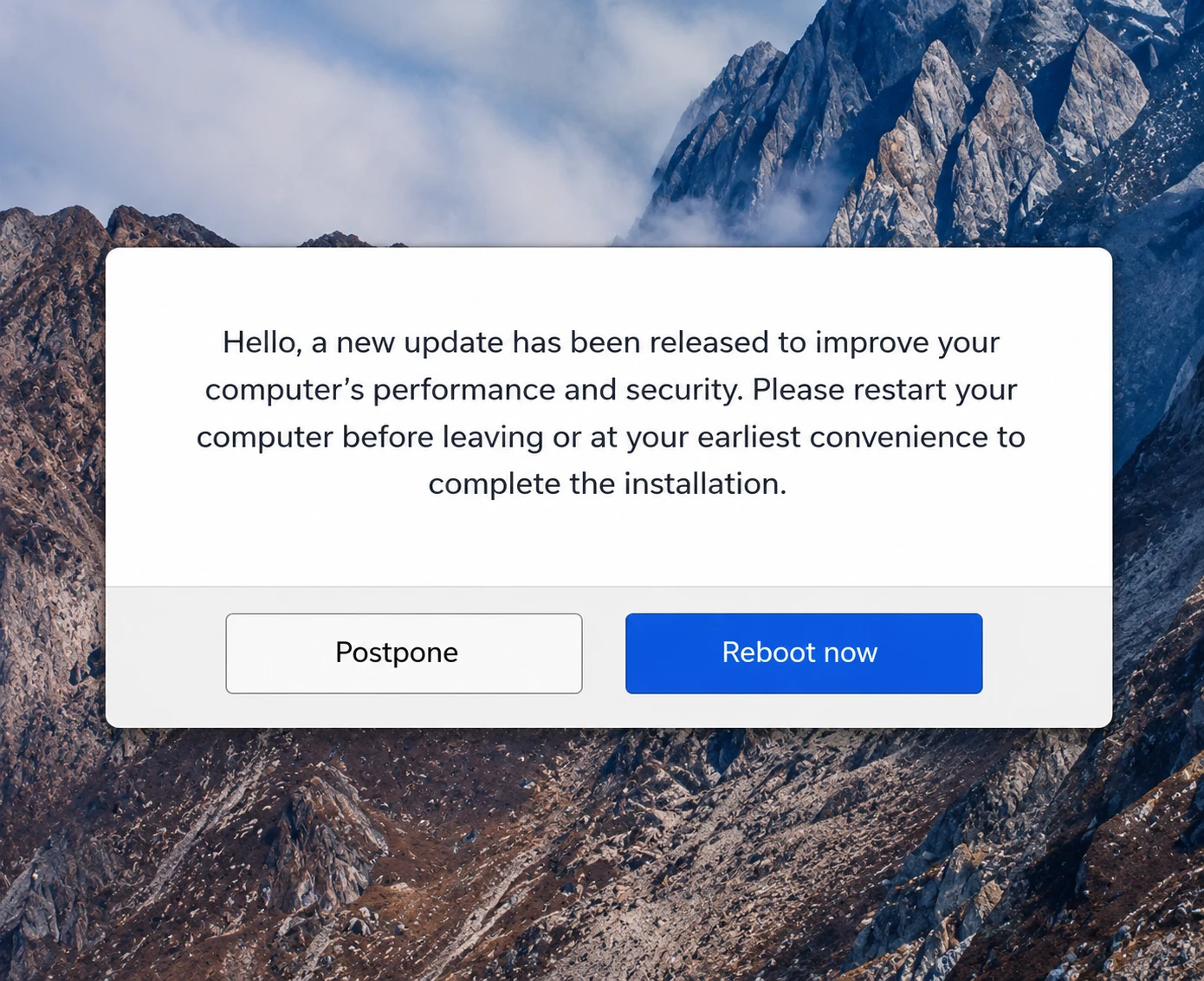

The New Patching Behavior
- If a device requires a restart after an update has been installed, users will continue to have the opportunity to restart their device at their convenience.
- For devices that remain pending restart, an automated restart will occur after business hours to complete the update process if the device powered on.
- Before any restart occurs, users will receive advance notification advising them to save their work and close any open applications.

Benefits
- Reduces ongoing restart reminders.
- Ensures updates are completed in a timely manner.
- Improves device stability and security.
- Minimizes disruption during business hours.