If you’ve ever assumed someone “took care of” a departing employee’s access, you already know how this article ends. A leasing agent leaves on a Friday. IT disables their email Monday morning. Six months later, their AppFolio login still works, their Yardi credentials still work, and the shared property email password they knew is still in use because nobody rotated it.
Nobody noticed because nobody owned it. Sound familiar?
This happens at PM firms constantly, and it’s one of the most underestimated security risks in the industry. Property managers run more software per employee than almost any business their size, and offboarding rarely keeps up with the platform sprawl. We see it constantly with operators who inherited this problem from a previous IT setup, or who have already been burned by it once and want to make sure it doesn’t happen again. The good news is that fixing it is more about process than tooling.
This guide walks through what actually gets left behind when someone leaves, why PM firms are uniquely exposed, and what a real offboarding process looks like across the platforms you use every day.
What Offboarding Actually Means for a Property Management Firm
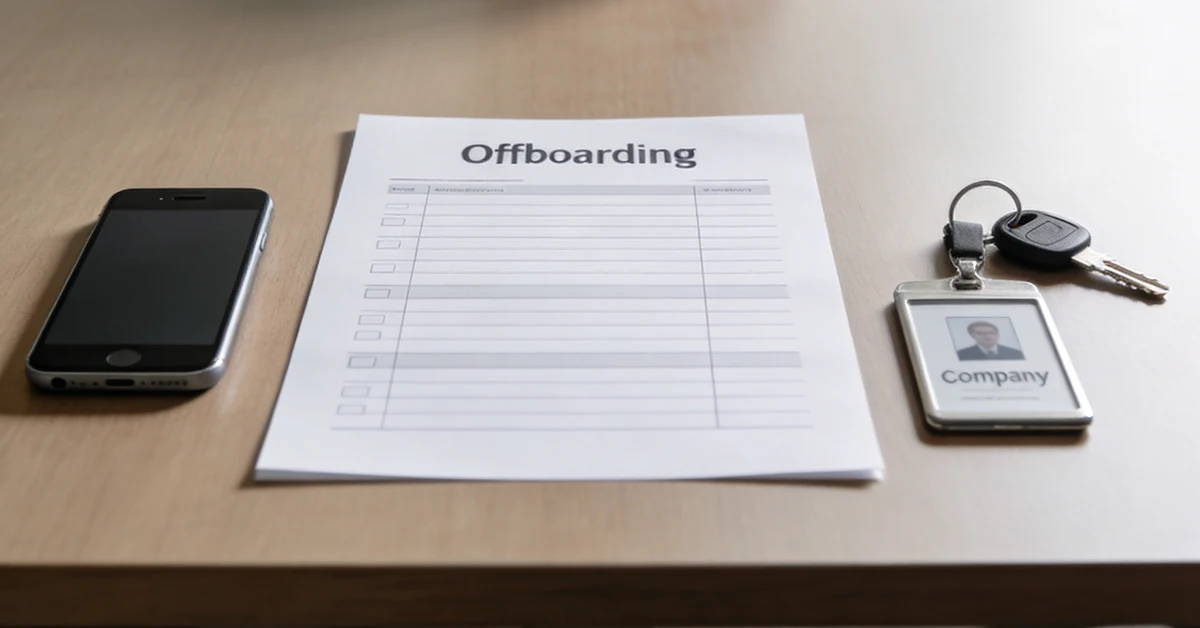
For most companies, offboarding means three things. Disable the email, collect the laptop, turn off the badge. For a PM firm, that covers maybe 20% of the access a single employee had.

The community manager who left last quarter probably had logins to your PMS, your accounting system, your maintenance platform, your screening service, your insurance portal, and a shared property email account that half the leasing team uses. Disabling their corporate email doesn’t touch any of that. And the data sitting behind those logins isn’t generic company information, it’s tenant PII, rent rolls, owner statements, screening reports, and bank account details.
The numbers back this up. According to recent research from Grow Remote, 48% of organizations still allow former employees to access internal systems after they have departed. In property management, where each employee builds up credentials across six or seven platforms during onboarding, the exposure tends to be even higher than that baseline. Closing one door and leaving six others open is a liability that tends to surface when you can least afford it.
Why Property Management Firms Are More Exposed Than Most
PM operations sit at the intersection of high turnover and high software density, and that combination creates more offboarding risk than almost any other industry we work with. Leasing agents turn over fast, community managers move between properties, and maintenance coordinators come and go on a regular cadence. Every one of those departures is a security event, and every one of those employees built up access to multiple platforms during their tenure. A single community manager might have active credentials in Yardi, AppFolio, an insurance portal, a screening service, and the shared property email by the end of their first year.
Here’s the part most operators miss. Yardi, AppFolio, RealPage, MRI, Entrata, and Buildium all maintain their own user databases independent of your network. Revoking someone’s M365 access or pulling them out of Active Directory doesn’t automatically deprovision a single one of those platforms. Each one has to be touched separately, and most PM firms don’t have a documented process for doing it. We’ve talked to IT leads who only learned this after running their first manual audit and finding active accounts going back two or three years.
The exposure here isn’t abstract. Every active orphaned account is a potential breach waiting to be triggered by a credential reuse attack or a phishing campaign that targets a former employee’s personal email. The login looks legitimate because, technically, it still is.
What Actually Gets Left Behind
When we run access audits for new PM clients, we almost always find some version of the same set of gaps. Here’s what tends to surface.
- Active platform logins that were never tied to single sign-on. The employee was added directly inside the PMS by an admin, so when their network access was revoked, the PMS login kept working as if nothing had changed. This is the single most common gap we see, and it’s the one that creates the longest tail of exposure because nobody thinks to look for it.
- Shared passwords for property-level accounts that nobody rotated. The departing employee knew the password to the leasing email, the maintenance hotline account, or the owner portal login. Nobody changed it after they left because nobody knew it needed to be changed, or nobody knew who owned that change. Those credentials live on in someone’s personal password manager indefinitely.
- Personal devices with cached credentials. The employee used their phone for work email, signed into Yardi from a home laptop during the pandemic, or had a tablet they used on property tours. Those devices walk out the door with the employee, and the credentials walk with them.
- Email forwarding rules set before departure. We see this more often than people realize. An employee on their way out sets up a forward to a personal email address, and sensitive communications keep flowing for weeks before anyone notices.
- Admin-level access that was never scoped down. Someone gave the employee admin permissions for a specific project two years ago and never revoked them after the project ended. Now that employee has standing admin access to a system they haven’t legitimately needed in months.
- Third-party integrations tied to their credentials. The Zapier connection between your PMS and your CRM was set up under their account, and when that account is finally disabled, the integration breaks at exactly the wrong moment, and someone in operations is frantically calling IT trying to figure out what happened.
The Compliance Exposure Nobody Talks About
Most PM firms understand the obvious compliance frameworks like fair housing rules, FCRA for tenant screening, and state-specific tenant data laws. Offboarding sits underneath all of them, and a former employee with active access is a compliance problem regardless of whether anything has actually happened yet.
FCRA requires strict controls over who can access tenant screening reports and consumer financial information. An active former employee login through your screening platform is, by definition, an access control failure. CCPA and similar state privacy laws require timely revocation of access to personal data when employment ends. Fair housing compliance increasingly hinges on audit trails showing exactly who accessed what records and when, which is impossible to maintain if you can’t account for who has active credentials.
The cost side is worth understanding. According to the Ponemon Institute’s 2025 Cost of Insider Risks report, organizations now spend an average of $17.4 million annually on insider-related incidents, and IBM’s 2025 Cost of a Data Breach report puts the average malicious insider breach at $4.92 million per incident, higher than the $4.44 million global average across all breach types. Roughly 20% of insider incidents trace back to credential theft, and a stale former-employee account is exactly the kind of credential attackers look for.
That’s the part that makes this so dangerous. A former employee’s compromised credentials don’t look suspicious. They look like normal logins from a known user. You won’t see the breach until someone notices the downstream damage, and by then you’re already in incident response.
What Deprovisioning Actually Requires, Platform by Platform
This is where most offboarding processes fall apart. Even firms that have a checklist usually treat “disable the PMS account” as a single step, when in reality each platform has its own deprovisioning logic that has to be handled correctly.
In AppFolio, user deactivation happens at the account level, but portfolio-level permissions are managed separately. We’ve seen accounts marked as deactivated where the user still appeared in property-level permissions because nobody pulled them out at that layer. Always confirm at both levels before considering it done.
Yardi is more complicated because access is role-based and tied to individual modules. Removing someone from the user database doesn’t necessarily remove them from every module they had access to. Each module needs to be checked separately, especially if the employee had elevated permissions in accounting, leasing, or maintenance modules.
In RealPage, user permissions are property-specific. An employee who managed twelve properties needs to be revoked from each one. Pulling them out of the main user list doesn’t automatically remove property-level access, and we’ve seen this trip up internal IT teams that assumed it did.
MRI ties access to database roles, which means deprovisioning requires direct admin intervention against the underlying database structure. This is one of the easier platforms to get wrong because the user-facing controls don’t reflect the full picture of what the employee can still touch.
Entrata accounts persist independently of network credentials. Even if your IT team revokes everything else, the Entrata account stays active until someone goes in and disables it directly. There’s no automatic link to your identity provider.
Buildium has the additional complication of owner and tenant portal access, which may have been extended to the employee for specific reasons during their tenure and now needs to be revoked separately from their staff login.
The point isn’t to memorize all of this. The point is that “disable their PMS access” isn’t a single task, it’s six different tasks across six different platforms, each with its own quirks. Every one of them has to be done correctly for offboarding to actually be complete.
What a Real Offboarding Process Looks Like
The firms with the tightest security posture run the same offboarding process every time, regardless of how the departure happened. The process itself isn’t complicated, but it does require ownership and documentation that survives turnover on the IT side.
- Day of departure, all standard IT controls get revoked. Network access disabled, email account suspended, MFA tokens removed, single sign-on access terminated. Most firms have this part down.
- Same day, PM software deprovisioning starts across every platform the employee touched. Not just initiated, but tracked to completion. Someone owns confirming that each platform is closed, with timestamps that can be pulled later if anyone needs to verify.
- Same day, shared passwords get rotated. Property emails, vendor portals, anything the employee knew the credentials for. Personal devices either get wiped remotely or physically retrieved, and the recovery gets documented.
- Within 24 hours, email forwarding rules get reviewed and any active forwards get removed. Shared mailbox access gets revoked, calendar delegations get pulled, and any group memberships that granted access by inheritance get cleaned up.
- Within 72 hours, all platform deprovisioning gets confirmed and documented. An admin access audit runs across every system the employee had elevated permissions in, just to make sure nothing was missed during the initial pass.
- Thirty days post-exit, an orphaned account audit runs. Access logs get reviewed for any post-departure activity. Anything that looks unusual gets investigated immediately, not filed away for the next quarterly review.
According to TechRepublic research on former employee cyber risk, 70% of IT decision-makers say it takes up to an hour to fully deprovision a single former employee’s corporate application accounts. For a PM firm running six platforms, that estimate is conservative. The firms that handle this well have built it into their managed IT relationship so the time cost is absorbed and the work actually gets done.
What Happens When You Get This Wrong
We’ve seen this go bad in three main ways, and it’s worth understanding what the actual downside looks like before deciding what level of process you’re willing to invest in.
- A former leasing agent with active credentials accesses current tenant records months after their departure. Sometimes innocently because they’re trying to look up an old contact, sometimes not. Either way, you have a fair housing problem and a tenant data problem at the same time.
- Stolen credentials from a former employee get used by an attacker. Because the account was never deactivated, the logins look legitimate, and by the time anyone notices, the attacker has been moving through your systems for weeks. The financial exposure here is real. Malicious insider breaches now cost an average of $4.92 million per incident according to IBM’s 2025 report, and PM-specific recovery costs tend to run higher because of the regulatory layer.
- Compliance audit surfaces the active former employee accounts. This is the slow-bleed version. No breach, no incident, just a regulator or auditor pulling access logs and finding that fourteen of your last twenty-five departed employees still had at least one active account. CCPA violations alone carry fines up to $7,500 per record per incident, and the math gets ugly very fast for a firm managing 2,000 units.
None of these scenarios require malicious intent on the part of the former employee. They just require the offboarding process to have missed something, which is what process gaps tend to do over time.
What This Looks Like When We Run It for PM Clients
Cushman & Wakefield, Watercrest Senior Living, and the other PM operators we support don’t have to wonder whether a former employee still has access to their systems. The offboarding process runs the same way every time and gets documented every time.
When a community manager gives notice, the workflow kicks off the day the notice hits HR. By their last day, every platform login is deprovisioned, every shared credential is rotated, every device is accounted for, and the audit trail is closed out. Thirty days later, the post-exit audit confirms there’s been no activity on any of the disabled accounts.
This works because there’s one point of contact between HR, IT, and operations, so there’s no finger-pointing about who was supposed to handle the AppFolio access. The vCIO on every account reviews access controls on a regular cadence and flags anything that looks like an orphaned account before it becomes a problem. We support 2,500+ properties across multifamily and commercial real estate, and the same offboarding process runs across every one of them.
Treat Every Departure the Same Way
The way to think about offboarding is as a security control, and like every other security control, it works when it runs the same way every time. The firms with the tightest posture treat every departure identically. Same checklist, same timeline, same documentation, same audit at the end. Voluntary, involuntary, six months in or six years in, the process runs the same way.
The onboarding process determines who gets access, and the offboarding process determines who keeps it. Getting this right doesn’t require new software or a bigger budget, it requires a documented process and someone to own it consistently. If you’re inheriting an environment where this hasn’t been happening, the fix is more straightforward than you’d think. Audit what’s active right now, close what shouldn’t be, and document the process going forward so it can survive the next round of turnover on your team.
Not Sure Every Door Is Closed? Start With a Property IT Assessment.
Far Out Solutions offers a Property IT Assessment scoped to access controls and offboarding gaps. The assessment identifies active orphaned accounts, shared credentials that haven’t been rotated, and deprovisioning failures across your PM platforms.
One point of contact. No gap between your HR process and your IT security controls.
Request your assessment before the next departure creates a problem.