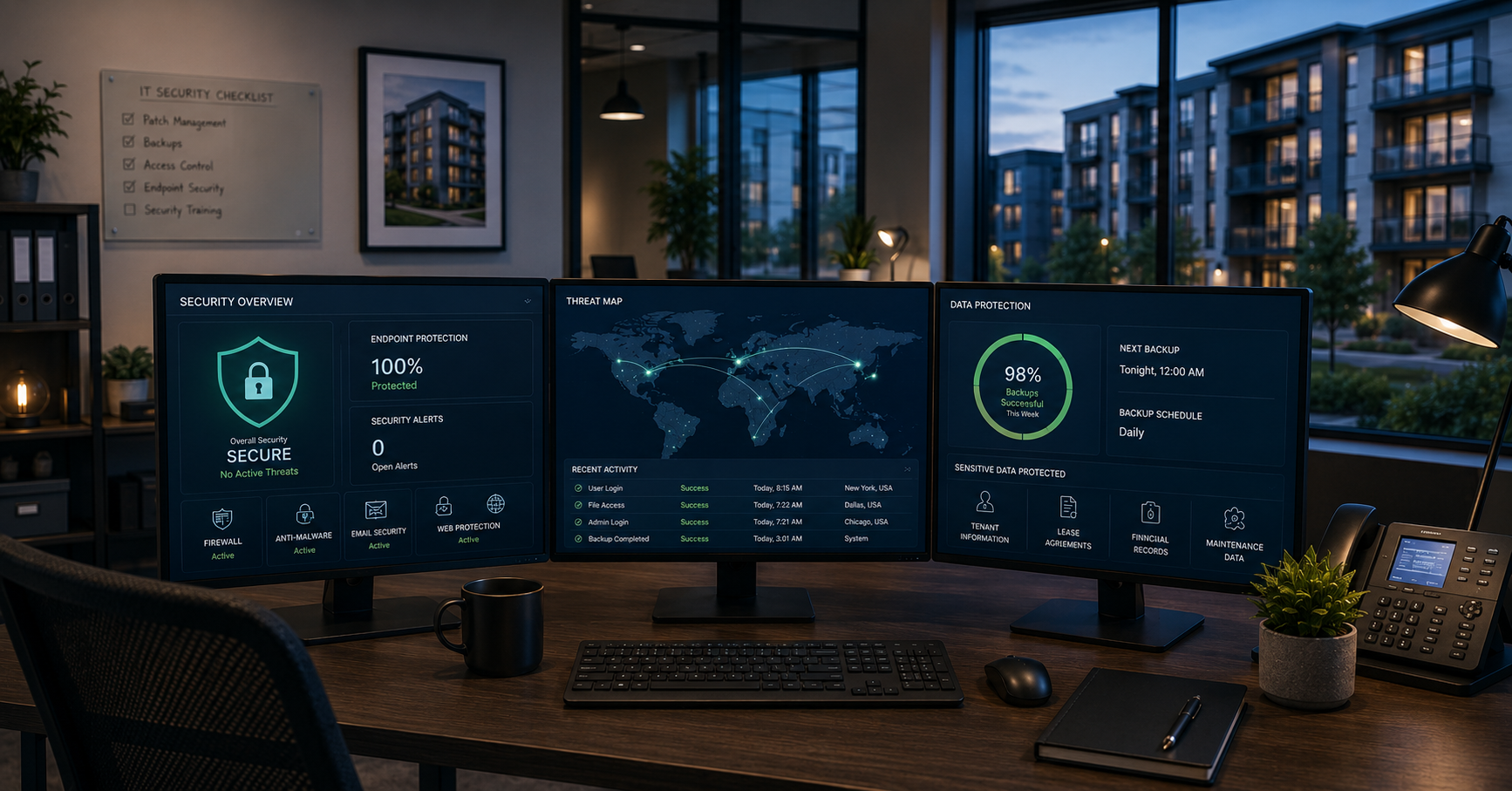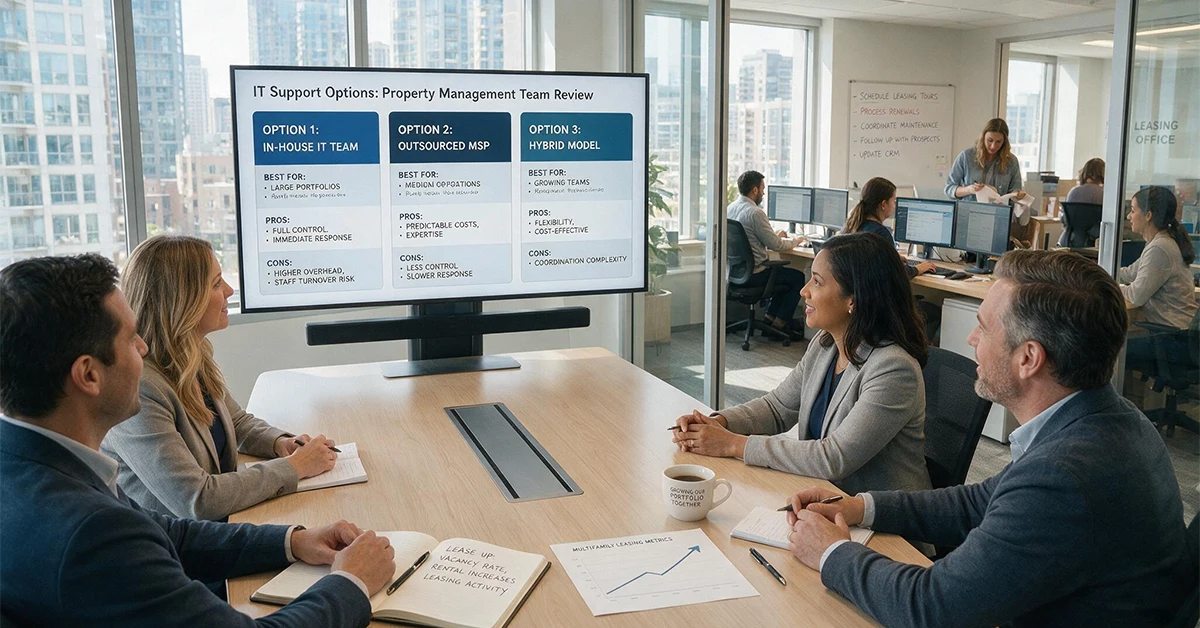

It’s the 3rd of the month. Rent collection is running. Your property manager calls and Yardi is down. Residents can’t pay online. Maintenance tickets are stuck. Lease files are inaccessible. Nobody on your team knows where the backup is. Nobody is even sure there is one.
This is not hypothetical. It happens to property management companies more than most people realize. And it almost always happens at the worst possible time.
This guide will walk you through what data you need to protect, why your property management software isn’t doing it for you, and what a real backup plan looks like in practice.
Is Your Property Management Data Actually Protected?
Most property management companies think they are covered. They are not.
The assumption is that Yardi, AppFolio, or RealPage handles backup automatically. If something goes wrong, the vendor restores it. That the cloud means the data is safe, but that isn’t accurate.
When data disappears through a ransomware attack, accidental deletion, or a vendor outage, the cost is immediate. Rent payments stall. Lease records go missing. Financial statements for an active audit are gone. Legal exposure alone can be significant.
The numbers bear it out. Seventy percent of real estate companies have experienced a data breach. Ninety-three percent of businesses that lose data for more than ten days file for bankruptcy within a year. The US average cost of a breach hit $10.22 million in 2025.
The problem is not that property management companies are careless. It is that nobody told them the responsibility was theirs.
What Data Do Property Management Companies Actually Need to Back Up?
Property management data is not generic business data. The files your company runs on are specific, operationally critical, and often irreplaceable.
Here is what needs to be protected:
- Executed lease agreements and renewals
- Rent roll history and payment records
- Tenant PII — SSNs, bank info, rental applications
- CAM reconciliation files
- Maintenance records and vendor invoices
- Financial statements by property
- Insurance certificates and inspection reports
- Yardi, RealPage, AppFolio, and MRI database exports
Losing any one of these at the wrong moment is not just an IT problem. Lose lease files mid-eviction and your legal case is compromised. Lose financial records mid-audit and you have a compliance exposure. Lose rent roll history during a portfolio transition, and you are rebuilding from scratch.
The data is the business. Treating it like a secondary concern is how companies end up in serious trouble.
Does Yardi Back Up Your Data? Does AppFolio?
The short answer is no. Not in the way most people assume.
Yardi, AppFolio, RealPage, and MRI are software platforms. They provide uptime, support, and infrastructure for running their applications. They do not provide backup and recovery services that protect your data the way a dedicated backup solution does.
Their user agreements make this clear. Data protection is the customer’s responsibility. If you experience a ransomware attack that encrypts your files, a rogue employee who deletes records, or an accidental data wipe during a system update, the vendor is not restoring that for you.
This is not a knock on these platforms. It is just how SaaS works. Seventy percent of organizations experienced data loss in SaaS applications in 2024. The platforms do not advertise this. Most customers never ask.
What this means practically: you need a separate backup layer that sits outside your PMS environment and captures your data on its own schedule. If you do not have that, you do not have a backup plan.
How Does a Property Management Backup Plan Actually Work?
The foundation of any solid backup strategy is the 3-2-1 rule. Three copies of your data. Two different storage types. One copy offsite. It is simple, proven, and holds up against almost every failure scenario.
Beyond that, there are three backup types worth understanding:
- Full backup — a complete copy of everything. Most comprehensive, most storage intensive.
- Incremental backup — only captures what changed since the last backup. Faster, lighter, but takes longer to restore.
- Differential backup — captures everything changed since the last full backup. A middle ground between the two.
Most PM companies should run a combination: full backups weekly, incremental daily.
Two terms every PM operator should know.
RPO, or Recovery Point Objective, is how much data you can afford to lose. For a property management company running rent collection, losing even one day of payment records is a serious problem. Your RPO should be measured in hours, not days.
RTO, or Recovery Time Objective, is how fast you need to be back up and running. On the 3rd of the month, the answer is minutes. Not hours. Not tomorrow.
If you cannot answer both of those questions about your current setup, you do not have a real backup plan. You have an assumption.

What Should You Look for in a Backup Solution?
Not all backup solutions are built for property management. Here is what to look for before committing to one.
- Automated – Manual backups get skipped. Someone gets busy, forgets, moves on. Automation removes the human error entirely.
- Multi-site aware – Your backup solution needs to cover every location in your portfolio, not just the corporate office. Field offices, on-site management stations, and remote staff all create data that needs protection.
- Regularly tested. – An untested backup is not a backup. It is a file that might work. Any solution worth having includes scheduled restore testing, not just scheduled backups.
- Encrypted in transit and at rest. Tenant PII requires it. Several state-level data privacy laws mandate it. Do not negotiate on this one.
- Fast RTO – Ask any vendor what their recovery time looks like for your environment. Anything over four hours is a problem if you are in the middle of rent collection or an active eviction.
- Retention policy – How long are backups kept? For PM companies with audit exposure, ninety days is a reasonable minimum. Ask this question before you sign.
Before committing to any vendor, ask them to walk you through a real recovery scenario for a multi-site portfolio. If they hesitate, that is your answer.
Can an MSP Handle This for You?
DIY backup sounds straightforward until you think about what it actually requires. Someone has to own the setup. Someone has to monitor it. Someone has to test the restores. Someone has to respond when something fails at 7am on the 1st of the month.
For most property management companies, that person does not exist. Or they exist, and they have forty other things on their plate.
An MSP takes all of that off the table. Backup is configured, automated, monitored, and tested without anyone on your team thinking about it. When something goes wrong, there is someone to call who already knows your environment.
Three questions that separate a generalist MSP from one that knows property management:
- Do they have hands-on experience with Yardi, AppFolio, RealPage, or MRI, not just general familiarity?
- Can they walk through a specific recovery scenario for a multi-site portfolio without hesitation?
- Where is their backup infrastructure located relative to your operations?
A generalist MSP will treat your Yardi environment like any other line-of-business application. A PM-fluent partner knows that Yardi going down on the 3rd of the month means your CFO is on the phone before the ticket is even logged.
How Far Out Solutions Helps Property Management Companies Stay Protected
Far Out Solutions works with property management companies including Cushman & Wakefield, Greystar, Lantower, and Watercrest Senior Living. This is not a vertical we added. It is the work we have been doing long enough to know where the real problems are.
Every account gets a vCIO, not a help desk ticket. Someone who knows your stack, your operational calendar, and what matters most when something goes wrong.
- Five-minute critical response time
- 99% client retention
- Zero-trust security stack
- Property-first IT means experience with Yardi, AppFolio, RealPage, and MRI environments
- Backup setup, monitoring, and tested restores handled end to end
A Backup Plan Is Cheaper Than Finding Out You Needed One
Here is what this guide covered.
Your property management software does not back up your data. Yardi, AppFolio, RealPage, and MRI provide uptime and support. Data protection is your responsibility, not theirs.
The data your business runs on is specific, operationally critical, and irreplaceable at the wrong moment. Lease files, rent rolls, tenant PII, CAM records, financial statements. Losing any one of them mid-eviction, mid-audit, or mid-rent-collection is not an IT problem. It is a business problem.
A real backup plan follows the 3-2-1 rule, runs automatically, covers every location in your portfolio, and gets tested on a schedule. It has a defined RPO and RTO that match the operational pace of a property management company, not a generic IT timeline.
Property management companies are high-value targets. The data you hold is exactly what attackers want. Seventy percent of real estate companies have experienced a breach. Ninety-three percent of businesses with more than ten days of data loss file for bankruptcy within a year. The risk is real and the window to get ahead of it is now.
If you cannot answer where your last backup is and when it was tested, that is where to start.
Conclusion
Getting this right does not have to be complicated. Most property management companies are closer than they think. The gap is usually not a major infrastructure overhaul. It is a few decisions made in the right order by someone who knows what they are looking at.
Far Out Solutions offers a 72-point assessment at no obligation. It covers your current environment, identifies the gaps, and gives you a clear picture of where you actually stand.
Connect with Far Out Solutions to get started.